![Ubiquiti UniFi AP Outdoor [7/58] Pole mount](/icons/site-icon-64.png)
Ubiquiti UniFi AP Outdoor [7/58] Pole mount
Превью страниц
Страница 7 /
58
![Ubiquiti UniFi AP Outdoor [7/58] Pole mount](/views2/1072883/page7/bg7.png)
4
Chapter 2: InstallationUniFi
™
AP-Outdoor User Guide
Ubiquiti Networks, Inc.
6. Align the notches on the UniFi AP-Outdoor with the
notches on the Wall Mount Bracket, and slide the UniFi
AP-Outdoor down until it locks into place.
Pole Mount
To mount the UniFi AP-Outdoor on a pole, use the
included Metal Strap.
1. Open the Metal Strap by turning the locking
mechanism counter-clockwise. You can loosen it by
hand or use a flathead screwdriver.
2. Straighten out the end of the Metal Strap and slide it
through the back of the UniFi AP-Outdoor.
3. Wrap the Metal Strap around the pole and use a
flathead screwdriver to tighten the locking mechanism
by turning it clockwise.
Antenna Installation
Connect each antenna to an antenna connector by
rotating it clockwise.
Содержание
206- Installation
- Chapter 1
- Product overview
- Access point details
- Offline clients tab
- Map tab
- Guests tab
- Chapter 9
- Chapter 8
- Chapter 7
- Chapter 6
- Chapter 5
- Chapter 4
- Chapter 3
- Using the unifi controller software
- Chapter 2
- Users tab
- Chapter 10
- Table of contents
- Statistics tab
- Access points tab
- Contact information
- Compliance information
- Chapter 12
- Chapter 11
- Appendix h
- Appendix g
- Appendix f
- Appendix e
- Warranty
- Appendix d
- User guest details
- Appendix c
- Unifi discovery utility
- Appendix b
- Specifications
- Appendix a
- Safety notices
- Portal customization
- Hotspot manager
- Declaration of conformity
- System requirements
- Package contents
- Network topology requirements
- Chapter 1 product overview
- Led indicates the status of the device see the table below for details
- Hardware overview
- Chapter 1 product overview unif
- Ap outdoor user guide
- Ubiquiti networks inc
- Note the secondary ethernet port can be used as as an uplink for other devices once they have been adopted
- Wall mount
- Mounting the unifi ap outdoor
- Hardware installation
- Chapter 2 installation
- Pole mount
- Antenna installation
- Software installation
- Pc users
- Mac users
- Configuring the unifi controller software
- Common interface options
- Clicking on an event device link
- Chapter 3 using the unifi controller software
- Access points
- Stations
- Recent events
- Interface tabs
- System configuration
- System
- Settings
- Services
- Alerts
- Mail server
- Guest policies
- Guest control
- Hotspot
- Wireless configurations
- Wireless configuration
- Admin settings
- Access control
- Wireless networks
- User groups
- Blocked devices
- Advanced
- Support info
- Server information
- Restore
- Backup
- Chapter 4 map tab
- Adding custom maps
- Adding a google map
- Placing access points on the map
- Setting the map scale
- Quick look
- Clients
- Chapter 5 statistics tab
- Recent activities
- Current usage top access points
- Chapter 6 access points tab
- Chapter 7 users tab
- Chapter 8 guests tab
- Chapter 9 offline clients tab
- Uplink wireless
- Uplink wire
- Overview
- Details
- Chapter 10 access point details
- Radio 11n b g or radio 11n a
- Downlinks
- Guests
- Configuration
- Config
- Radios
- Radio 11n b g or radio 11n a
- General settings
- Wlans 11n b g or wlans 11n a
- Network
- Wireless uplinks
- Access point heartbeat missed
- Overview
- Access point managed by other
- Access point isolated
- Advanced adoption
- Access point pending approval
- Forget this ap
- Overview
- Details
- Chapter 11 user guest details
- Statistics
- History
- Configuration
- Config
- Wireless guests
- Payments transactions
- Chapter 12 hotspot manager
- Vouchers
- Operator accounts
- Windows
- Viewing the default portal
- Overview
- Enabling portal customization
- Appendix a portal customization
- Windows
- Customizable default files
- Unifi discovery utility interface
- Pc users
- Overview
- Mac users
- Launching the unifi discovery utility
- Appendix b unifi discovery utility
- Ubiquiti networks inc
- Appendix c specifications unif
- Appendix c specifications
- Ap outdoor user guide
- Ubiquiti networks inc
- Appendix c specifications unif
- Ap outdoor user guide
- Electrical safety information
- Appendix d safety notices
- Appendix e warranty
- Warranty conditions
- Returns
- General warranty
- Disclaimer
- Rf exposure warning
- Installer compliance responsibility
- Industry canada
- Ce marking
- Appendix f compliance information
- Alert sign follows ce marking
- Rohs weee compliance statement
- Italiano
- Français
- Español
- English
- Deutsch
- Norsk norwegian
- Nederlands dutch
- Malti maltese
- Magyar hungarian
- Lietuvi lithuanian
- Latviski latvian
- Ελληνική greek
- Italiano italian
- Česky czech
- Français french
- Íslenska icelandic
- Español spanish
- Ubiquiti networks inc
- English
- Eesti estonian
- Svenska swedish
- Deutsch german
- Suomi finnish
- Dansk danish
- Slovensky slovak
- Appendix g declaration of conformity unif
- Română romanian
- Appendix g declaration of conformity
- Português portuguese
- Ap outdoor user guide
- Polski polish
- Ubiquiti networks support
- Online resources
- Appendix h contact information
Похожие устройства
-
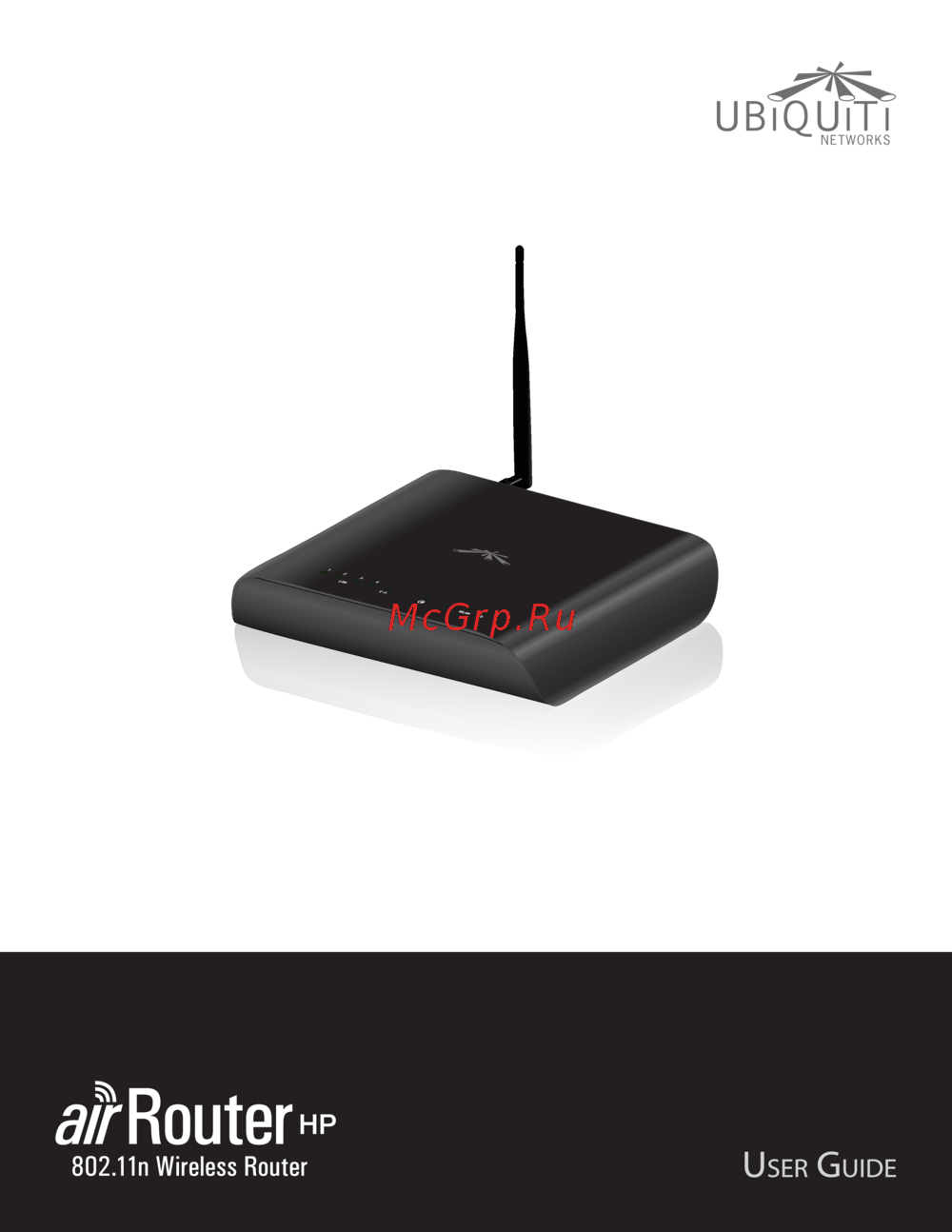 Ubiquiti AirRouter HPИнструкция по эксплуатации
 -
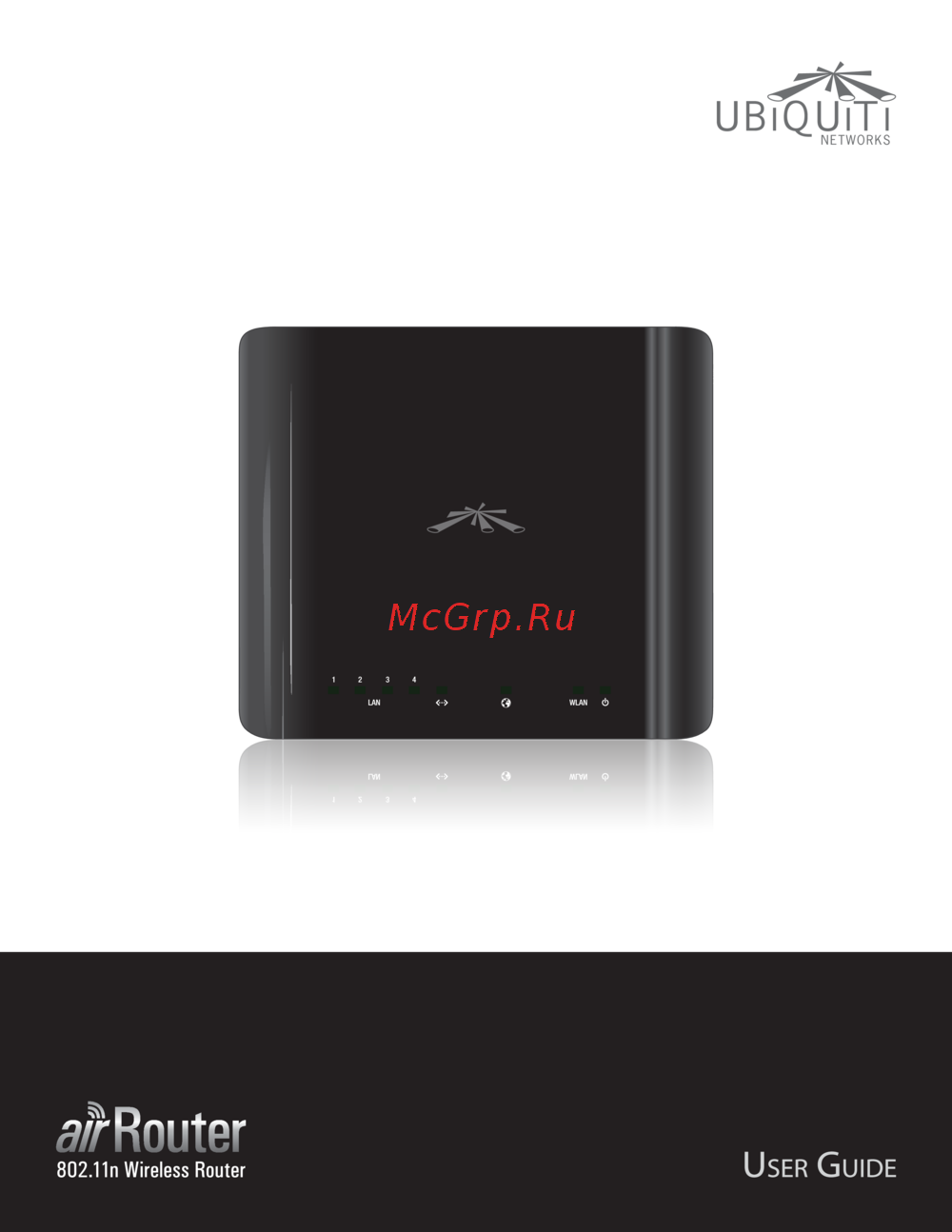 Ubiquiti AirRouterИнструкция по эксплуатации
 -
 Ubiquiti EdgeRouter PROИнструкция по эксплуатации
 -
 Ubiquiti EdgeRouterИнструкция по эксплуатации
 -
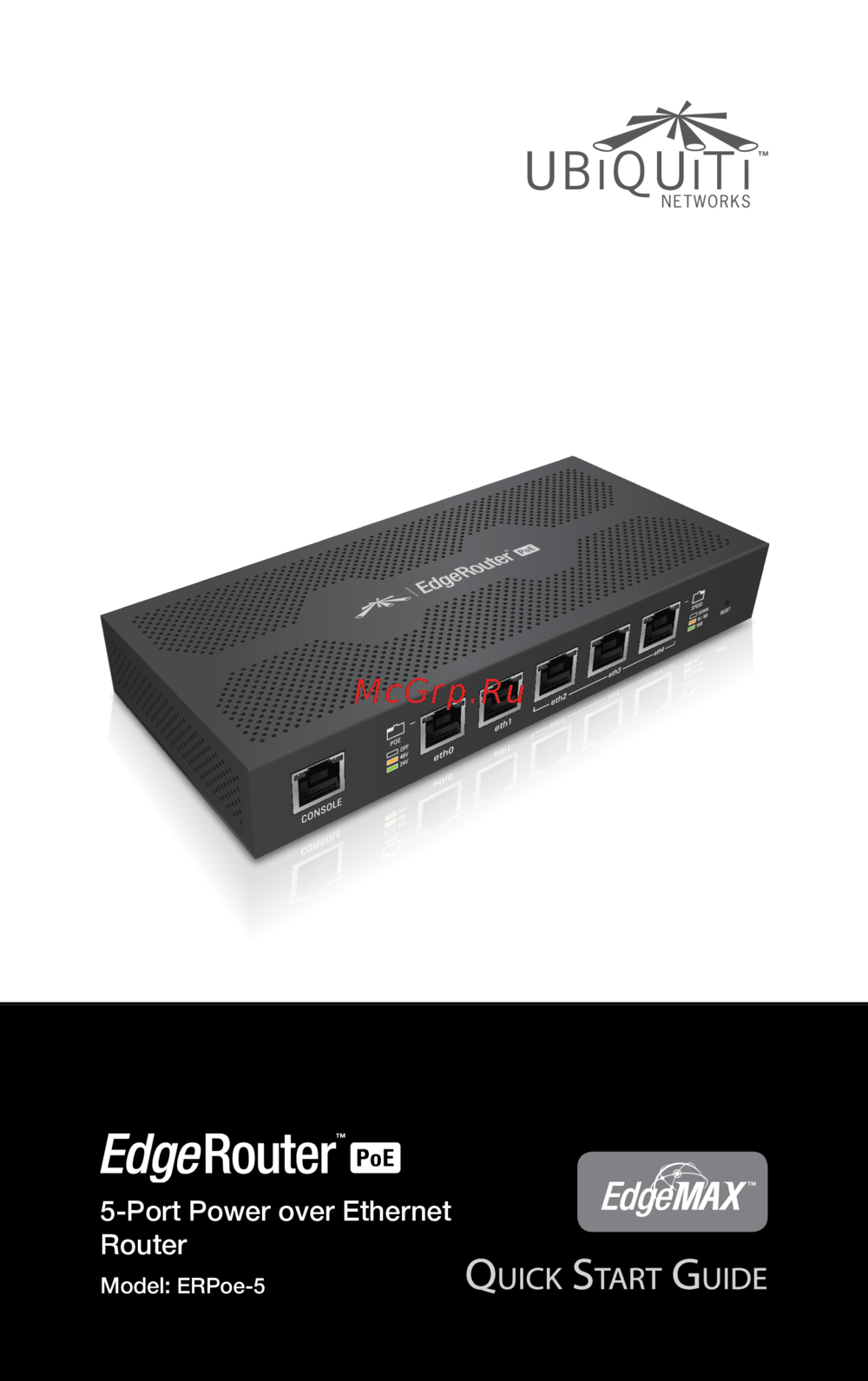 Ubiquiti EdgeRouter POEИнструкция по эксплуатации
 -
 Ubiquiti EdgeRouter LiteИнструкция по эксплуатации
 -
 Ubiquiti PicoStation М2Инструкция по эксплуатации
 -
Ubiquiti PicoStation 2HPИнструкция по эксплуатации
-
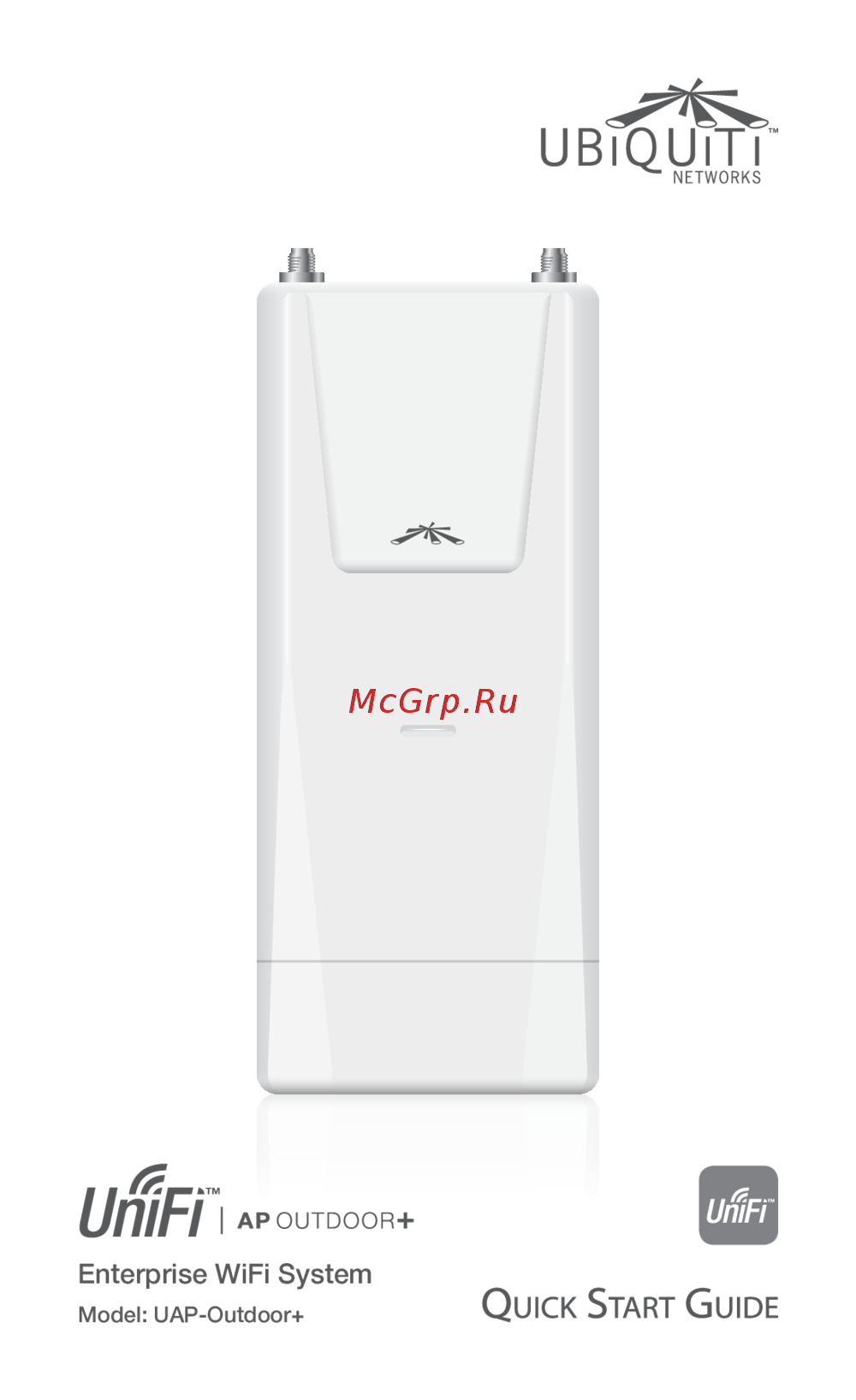 Ubiquiti UniFi AP-Outdoor+Инструкция по эксплуатации
 -
 Ubiquiti UniFi AP-Outdoor ACИнструкция по эксплуатации
 -
 Ubiquiti UniFi AP ACИнструкция по эксплуатации
 -
 Ubiquiti UniFi AP Pro (UAP-Pro)Инструкция по эксплуатации